Fresh ideas from museums around the globe in your inbox each week

Editorial update, 10 October 2026: obsolete price grids and feature comparisons have been removed. The original 2020 screenshots are preserved as historical illustrations; check current plans and capabilities before choosing a tool.
List the marketing jobs your team needs help with
Software is useful when it removes a real obstacle. Set the museum’s marketing priorities, then list the jobs involved: planning, drafting, approvals, scheduling, replying, listening, asset handling and reporting. Identify which jobs consume time or create avoidable mistakes.
A calendar and a clear approval process may solve a small team’s immediate problem. A larger team may need shared queues, differentiated permissions and reporting across several channels. Keep asset production separate from publishing requirements; our guide to tools for creating graphics and video covers the creative workflow.
Compare scheduling, approvals and replies
The original guide discussed Hootsuite, CoSchedule, Buffer and Sprout Social. Treat these as examples to investigate rather than a permanent ranking. Product coverage, integrations and plan limits change, so record the date and exact plan when making a comparison.
Check whether the tool supports the museum’s actual channels and post formats, the number of staff who need access, a workable correction and approval process, and replies in the places visitors use. Test whether image descriptions and captions survive the publishing workflow.
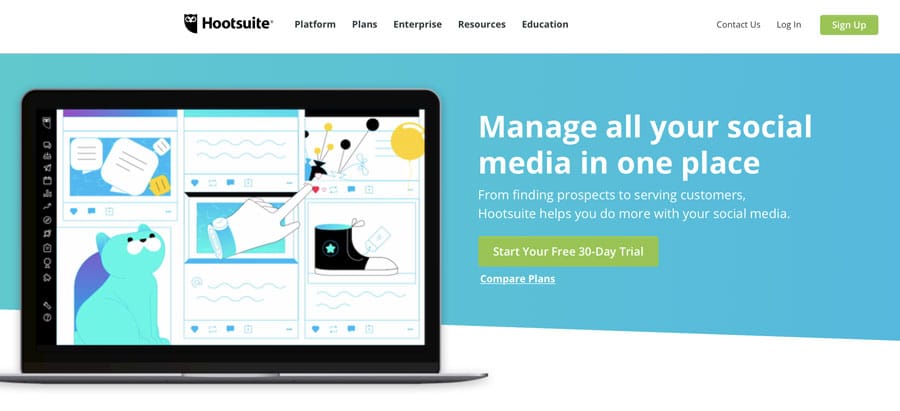
Historical Hootsuite illustration from the original guide. Hootsuite’s current plans page, checked for this update, describes paid plans and a 14-day trial; the old free-plan and 30-day-trial claims have been removed.
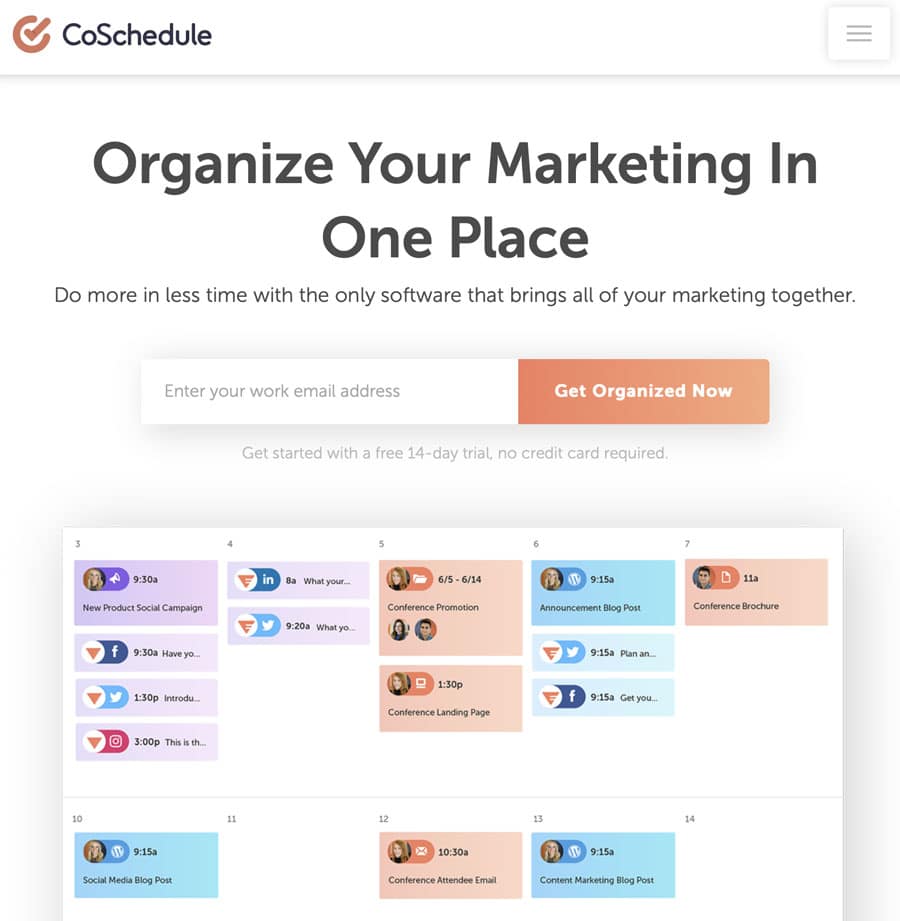
Historical CoSchedule illustration. Verify the current calendar, integrations and permissions against the work your team needs to do.
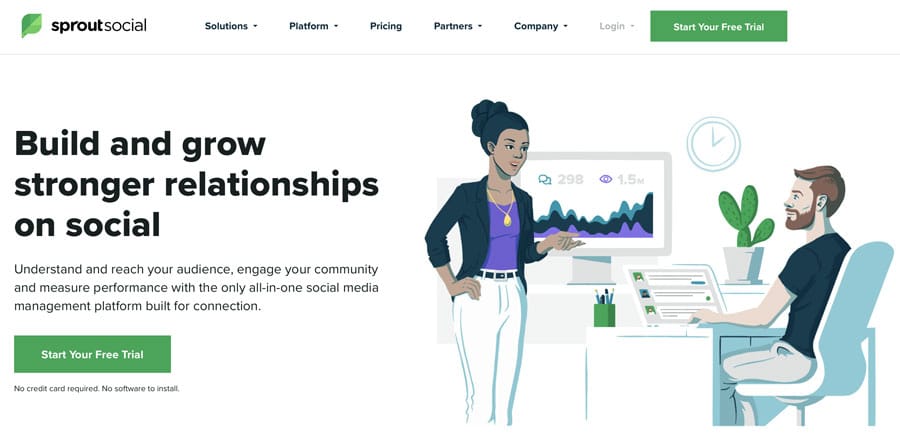
Historical Sprout Social illustration. The original price and feature-exclusion lists are not current purchasing guidance.
TweetDeck is now X Pro. X’s current Premium documentation places Pro access within Premium+, so it should not be described as a free service or assumed to come with every paid tier. Check the live plan details and whether a single-platform tool meets the museum’s needs.
Check reporting and campaign links
A short-link service can help manage memorable or branded links, but shortening does not necessarily save characters on a modern platform. A recorded link click is not a ticket sale. Check destination reliability, export options and what happens to the links if you stop paying.
Historical Bitly illustration from the original 2020 article. Current plan entitlements and reporting need separate verification.
Measure actions beyond link clicks with a tested website and ticketing setup. Google Analytics measures site and app activity; Google Ads manages advertising. Do not treat them as one product called “Google Ads Manager”. Compare reporting periods and definitions before combining numbers from different systems.
Listening and research tools such as the original BuzzSumo and Google Alerts examples can help surface relevant stories. They do not guarantee that every mention or private conversation will be found. Review the sources and context before treating an alert or sentiment label as an accurate account of audience opinion.
Test one exhibition campaign before paying
Use one real exhibition campaign as the trial. Ask the people who will use the tool to draft posts, request a correction, approve a version, schedule it and respond to a visitor’s question. Check whether they can find the right image and export a useful report without extra work. Then compare the time saved with the full cost for your team’s seats and channels. The most extensive feature list is not necessarily the best fit for a small museum.
- Write down the required channels, formats, seats and approval steps.
- Test asset search, captions, descriptions, previews and a corrected draft.
- Check scheduling, time zones, failed-post alerts and how to pause queued content.
- Test replies and handover between colleagues.
- Export a report that supports the campaign’s actual outcome and an archive the museum can keep.
Review access, costs and the exit plan
Compare total annual cost, including extra seats, channels, add-ons, training and integrations. Record any trial deadline, renewal commitment and cancellation process. Do not begin several trials at once if the team cannot evaluate them properly.
Confirm organisational ownership, supported access roles and the procedure for staff changes. Understand what data the service receives and how it is retained. Before committing, test how to export content, reports and assets and how to remove access when the contract ends.
Choose the smallest setup that reliably supports the agreed work. Review it when the team’s needs change, using time saved and useful outcomes rather than the length of the feature list.